Covid-sensor
If you and your group have any questions or get stuck as you work through this in-class exercise, please ask the instructor for assistance. Have fun!
-
If you haven’t already, please go to the Arduino website and download the “Arduino IDE” for either Windows or Mac, and then install the software on your computer.
Materials needed:
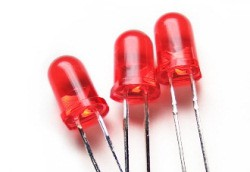
- 1 Red LED Light and 1 green LED light
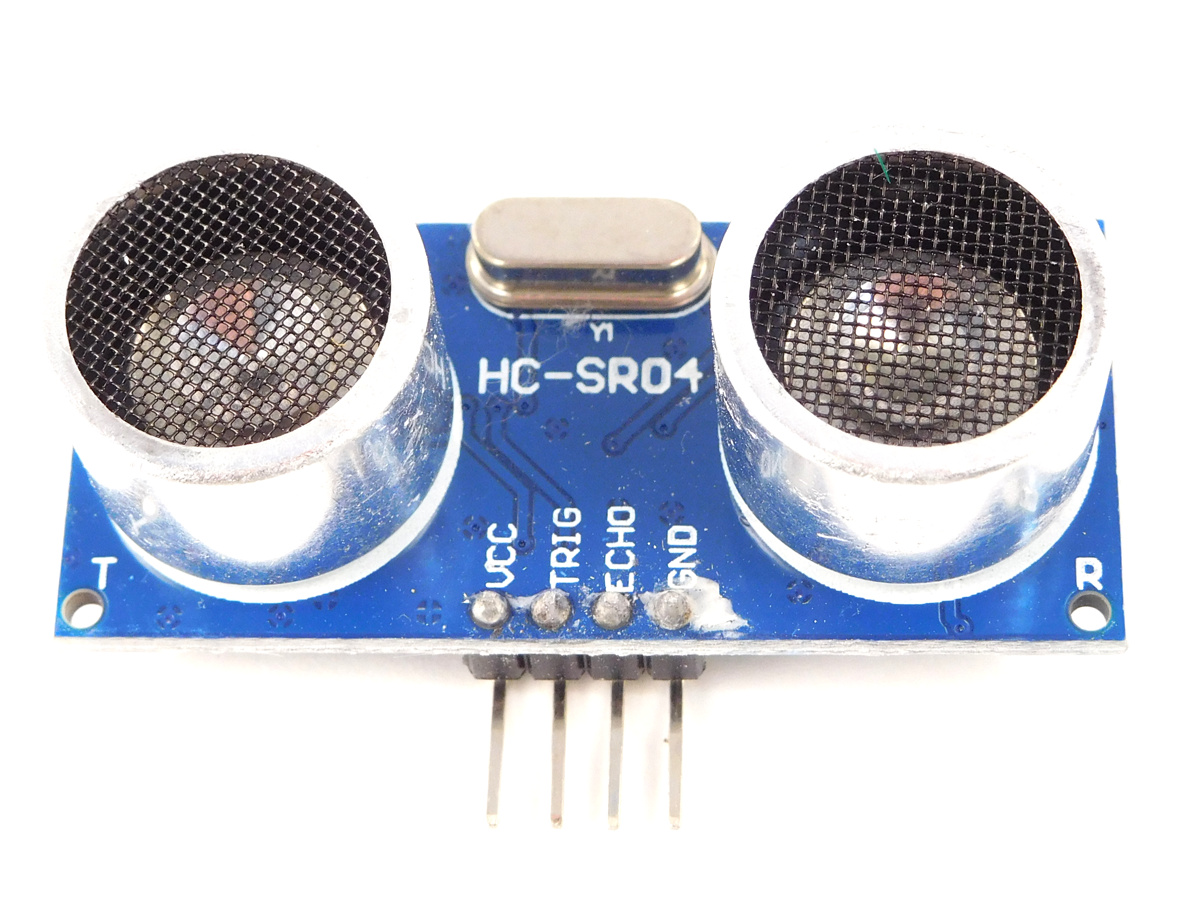
- 1 Ultrasonic Sensor
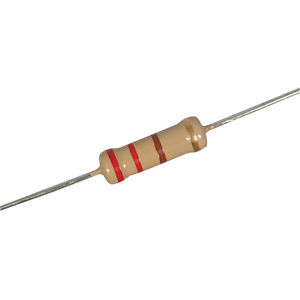
- 2 1k-ohm Resistors
- Some Medium Wires
- Some Short Wires
- Arduino UNO
Attach as displayed in this diagram (note that the squiggly lines indicate the longer legs of the LEDs):
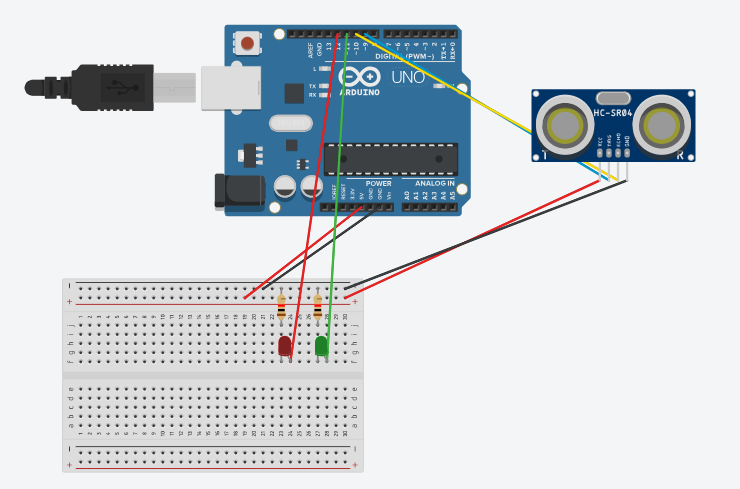
Note: you can check out a simulated version of this Arduino Project
-
Using the provided USB cable plug your Arduino into your computer.
-
Launch the Arduino software.
-
Go to the top menu and select: **Files -> New
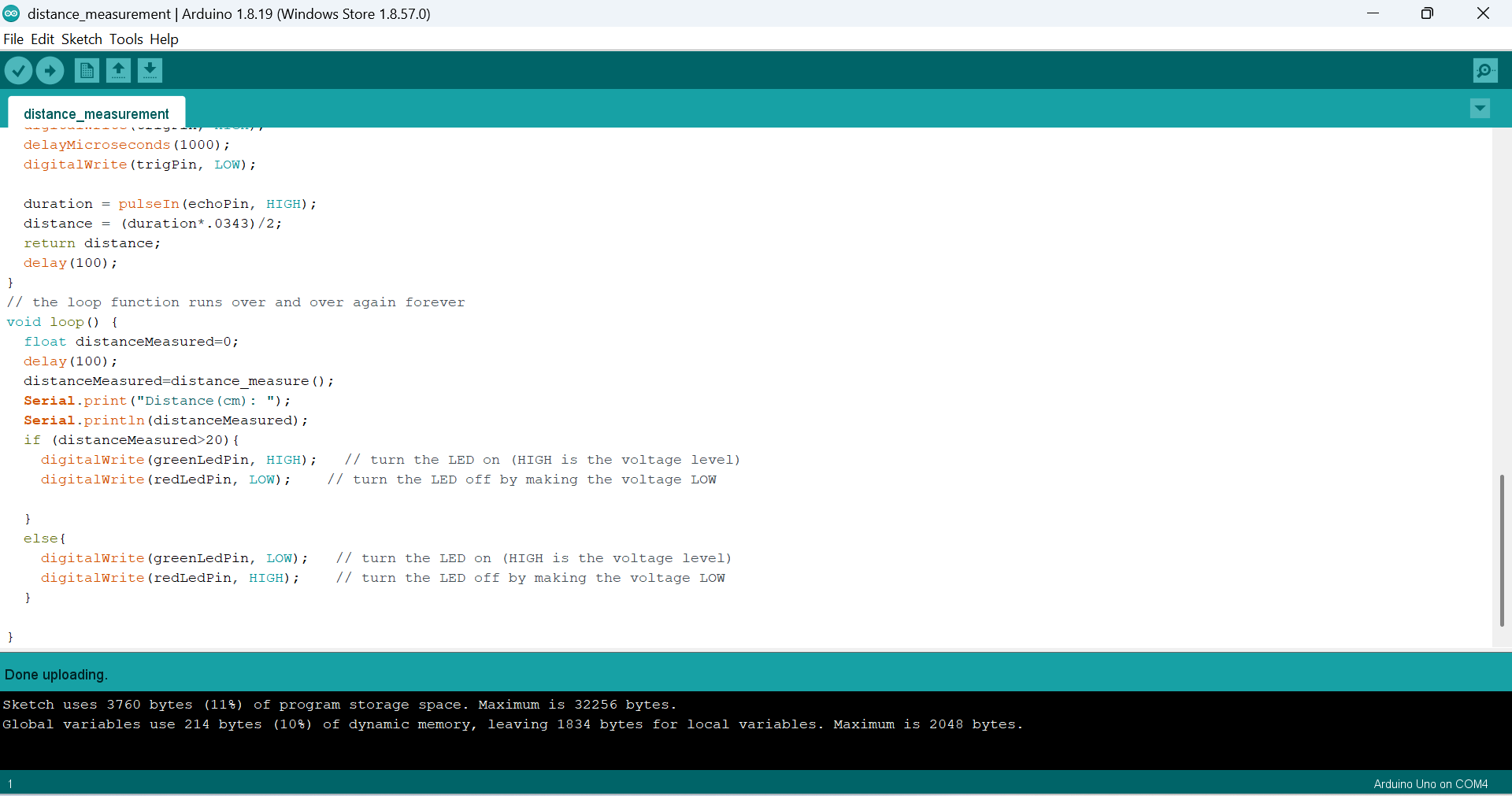
paste the codes from link below: https://drive.google.com/file/d/1MjVNvSdijq45YQKWWXrXKRewwlCtaCjq/view?usp=sharing or https://github.com/uviclibraries/arduino/blob/main/code/distancemeasurement.c
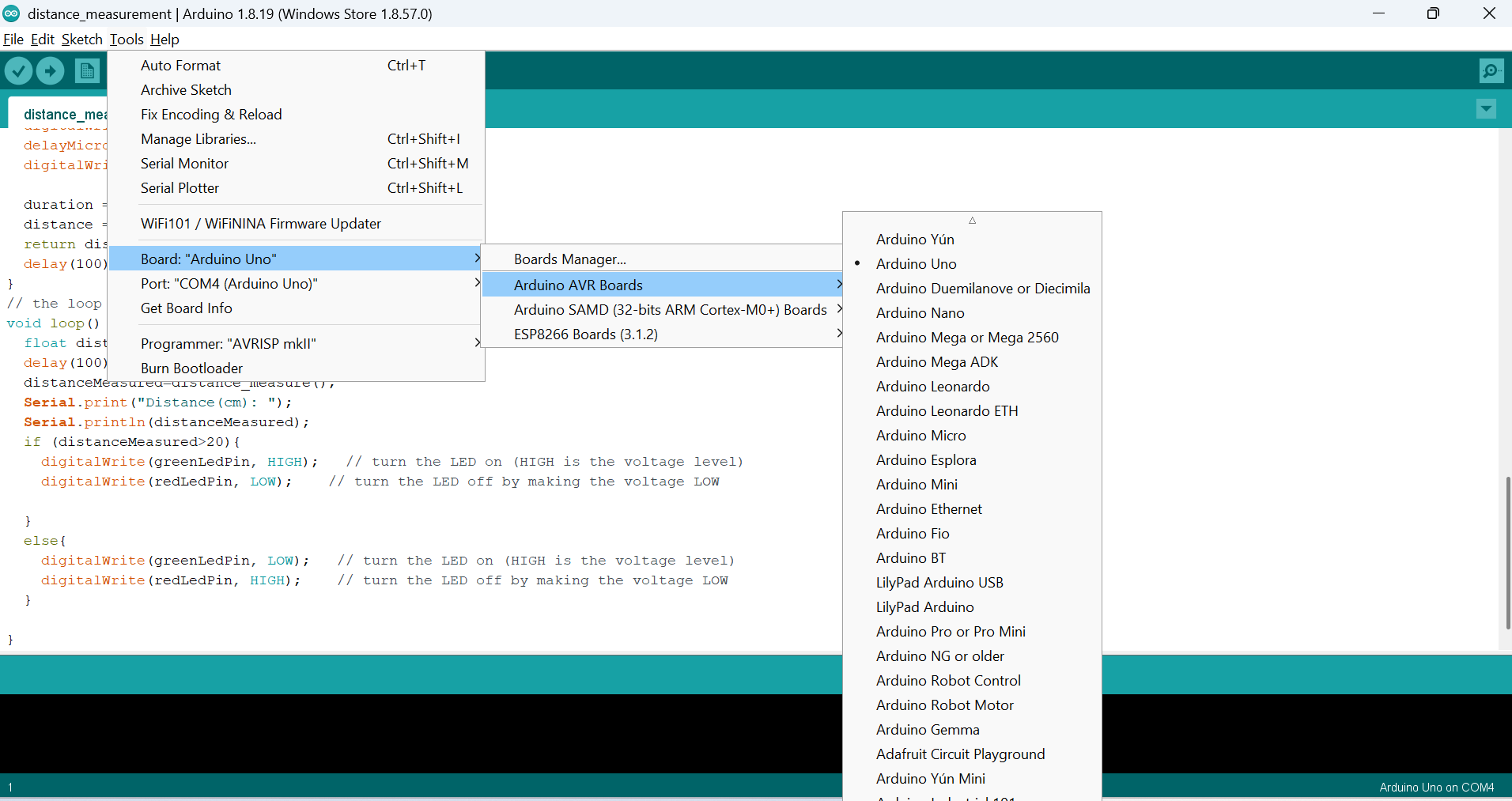
and select the arduino uno as in the boards management menue:
-
Upload the codes to your Arduino by pressing the Upload button.
-
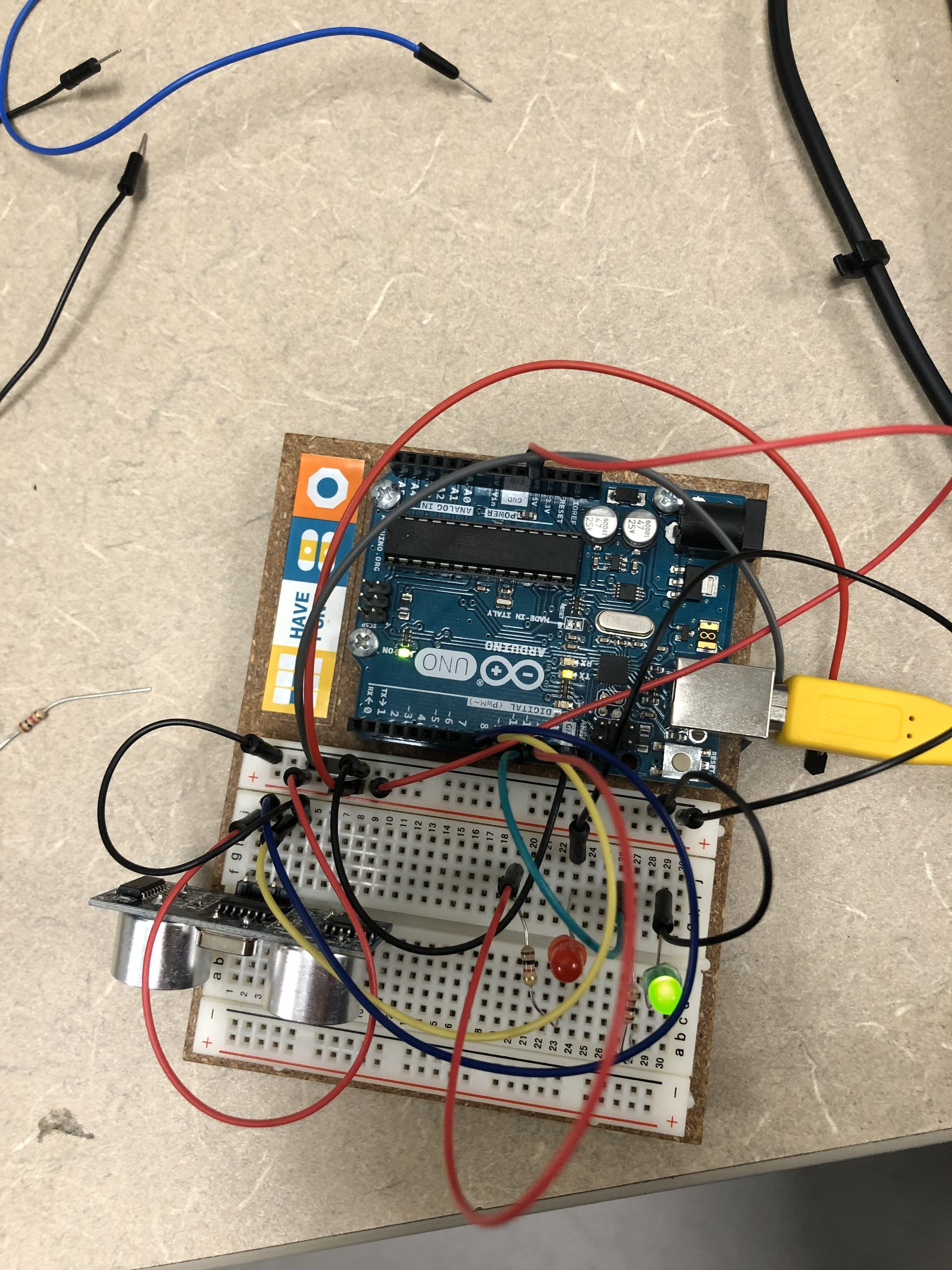
Open the serial mornitor window from the Tools menu, you will keep on seeing the distance in cm unit output from the serial mornitor window. Put your hand or other objects closer to the ultrasonic sensor for less than 20 cm, you will see the red LED on and green light will be off; move the objects away, you will see the red light off and green light on. Change the threshold value in the codes to see the what will changes. Enjoy!
Object is 20 cm away:
Object is in 20 cm :
