Audio-player
If you and your group have any questions or get stuck as you work through this in-class exercise, please ask the instructor for assistance. Have fun!
-
If you haven’t already, please go to the Arduino website and download the “Arduino IDE” for either Windows or Mac, and then install the software on your computer.
Materials needed:
- 1 Arduino MKR Zero (see below)
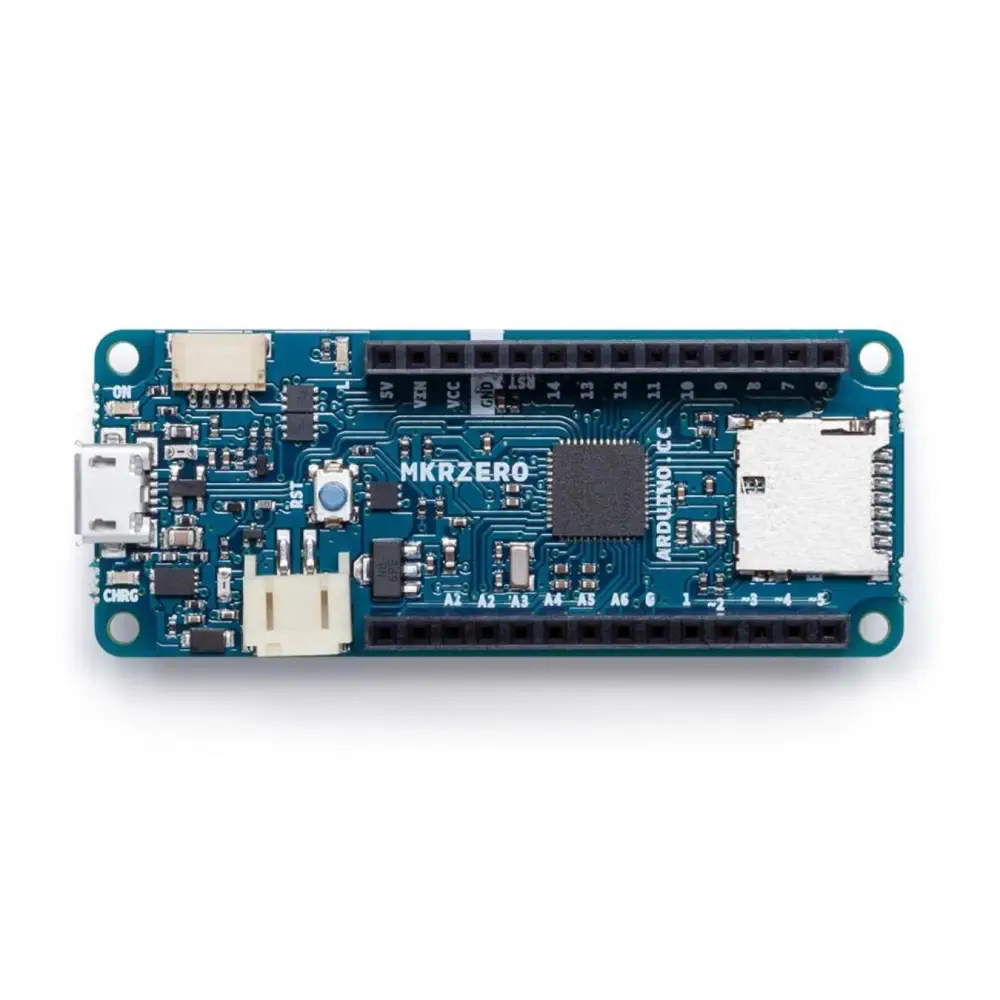
or MKR WIFI 1010 :
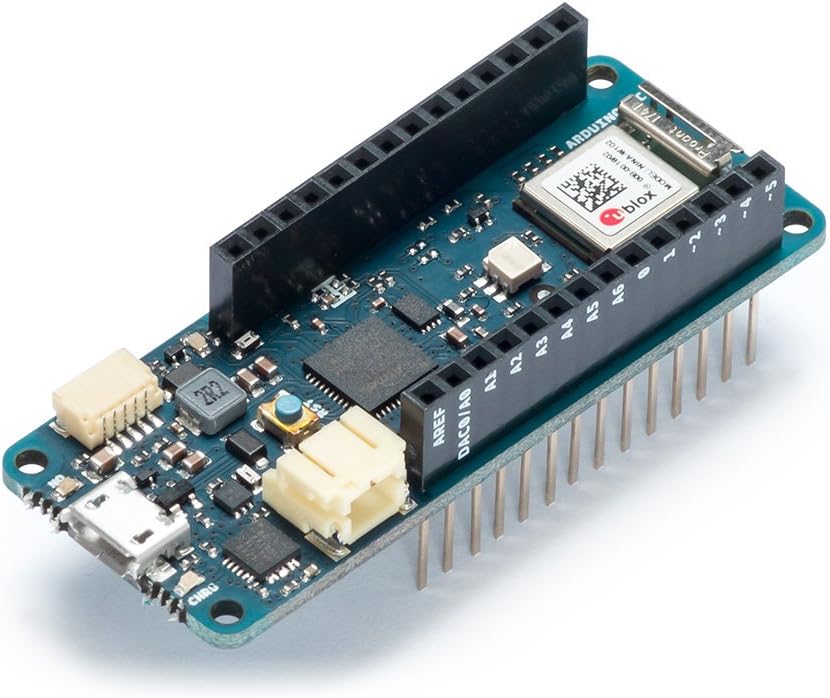
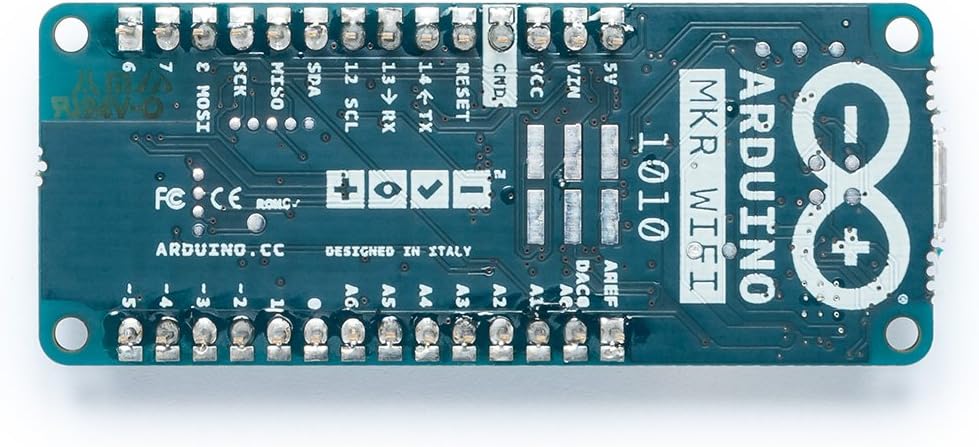
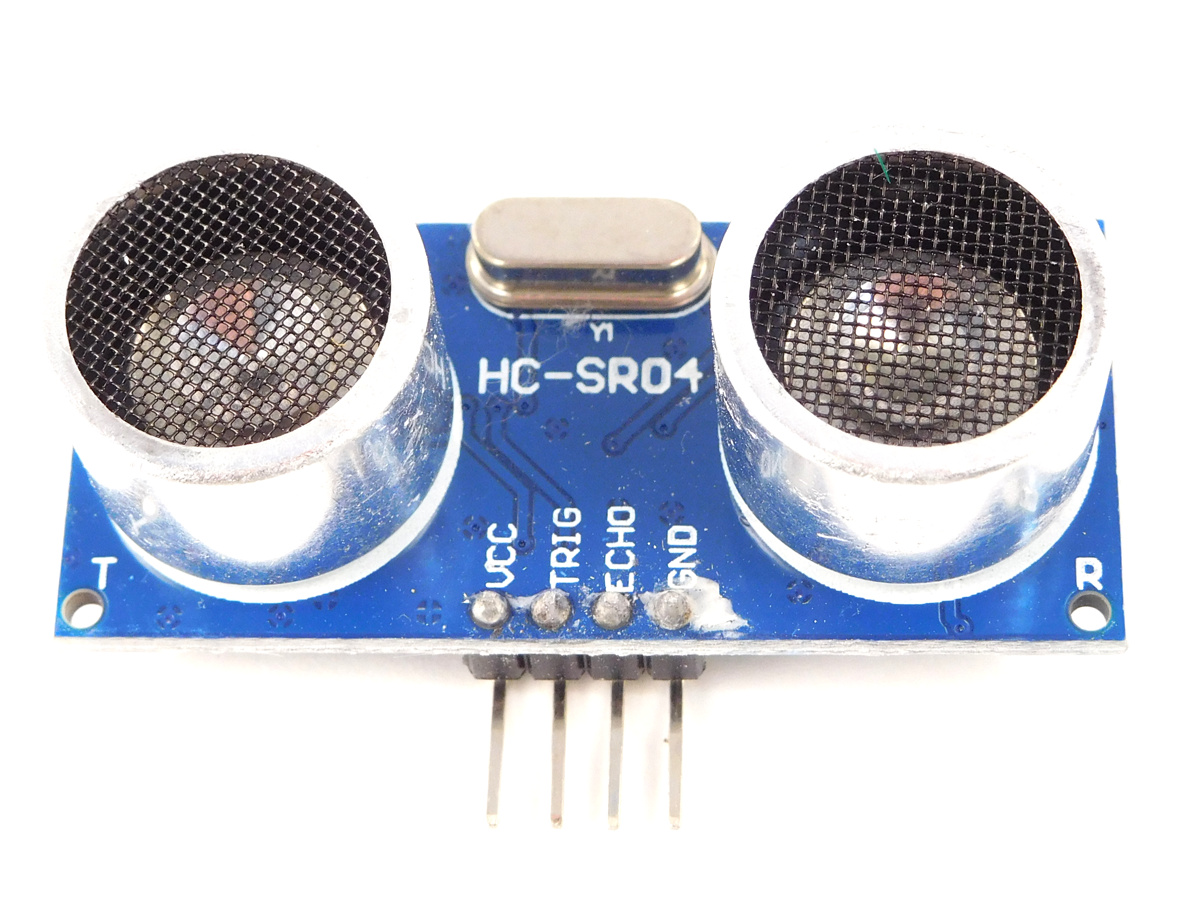
- HC-SR04 Ultrasonic sensor (see below)
- One LM386 amplifier board (see below)
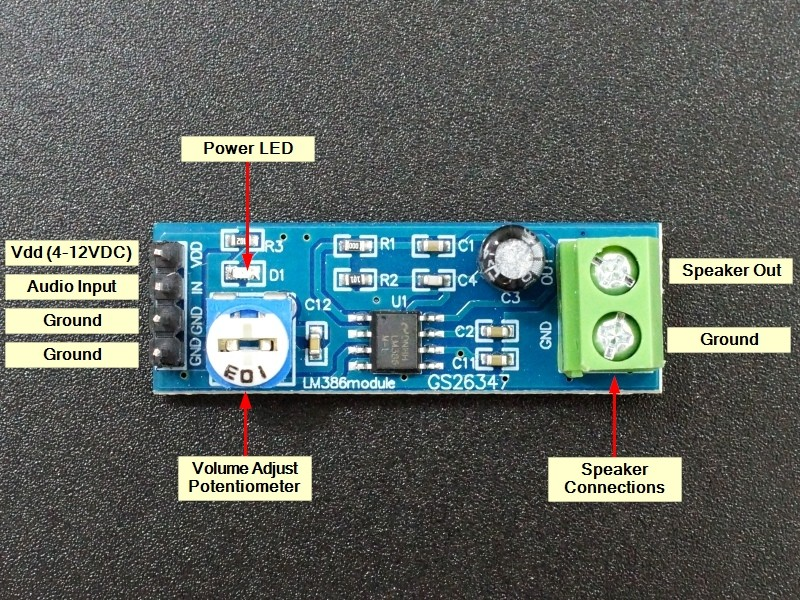
-
One speaker (see below)
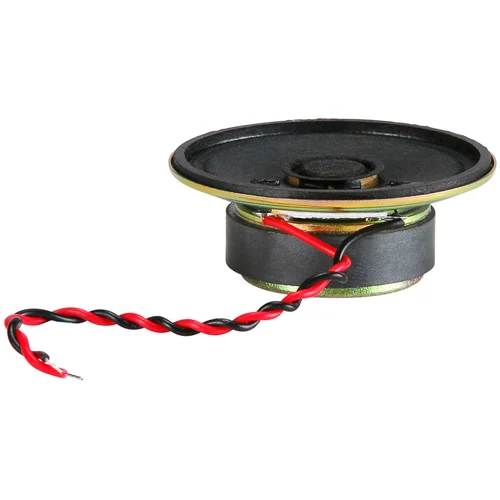
-
One 32GB SD card with FAT file system and stored with a .wav audio file(test.wav)
If you are using MKR WIFI 1010 which doesn’t have a on-board SD card slot shield, you need to use an extra SD card slot shield:
- One SD card slot shield (see below)
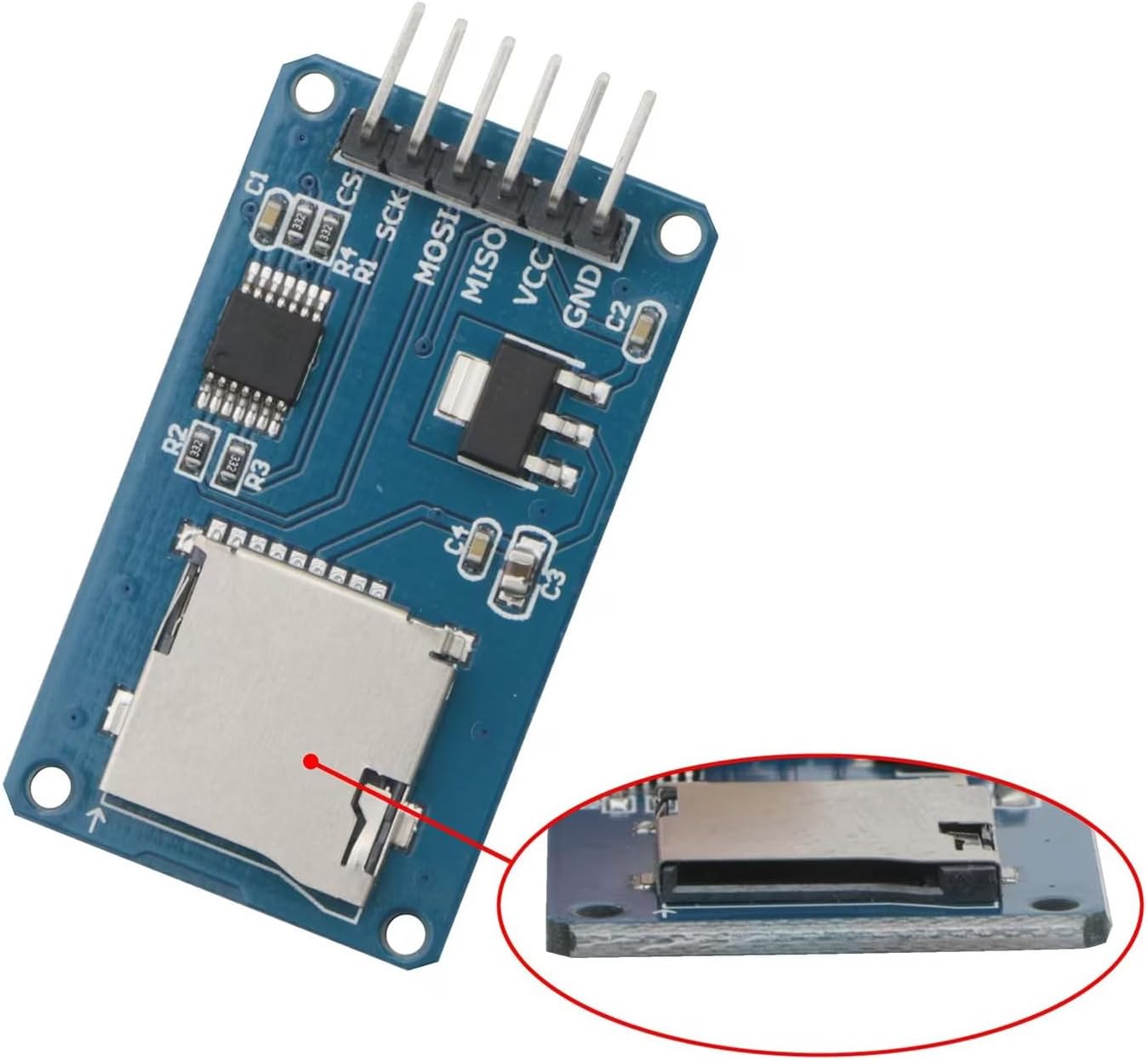
-
Make sure that the SD card have correct audio file(test.wav) and then insert the SD card into the SD card slot.
-
Connect the black wire to the GND pin on the Arduino and then the “-” pin on the breadboard.
Connect the red wire to the 5V pin on the Arduino and then the “+” pin on the breadboard.
-
Connect all the other wires and their placement as can be seen in the diagram below.
For MKR zero: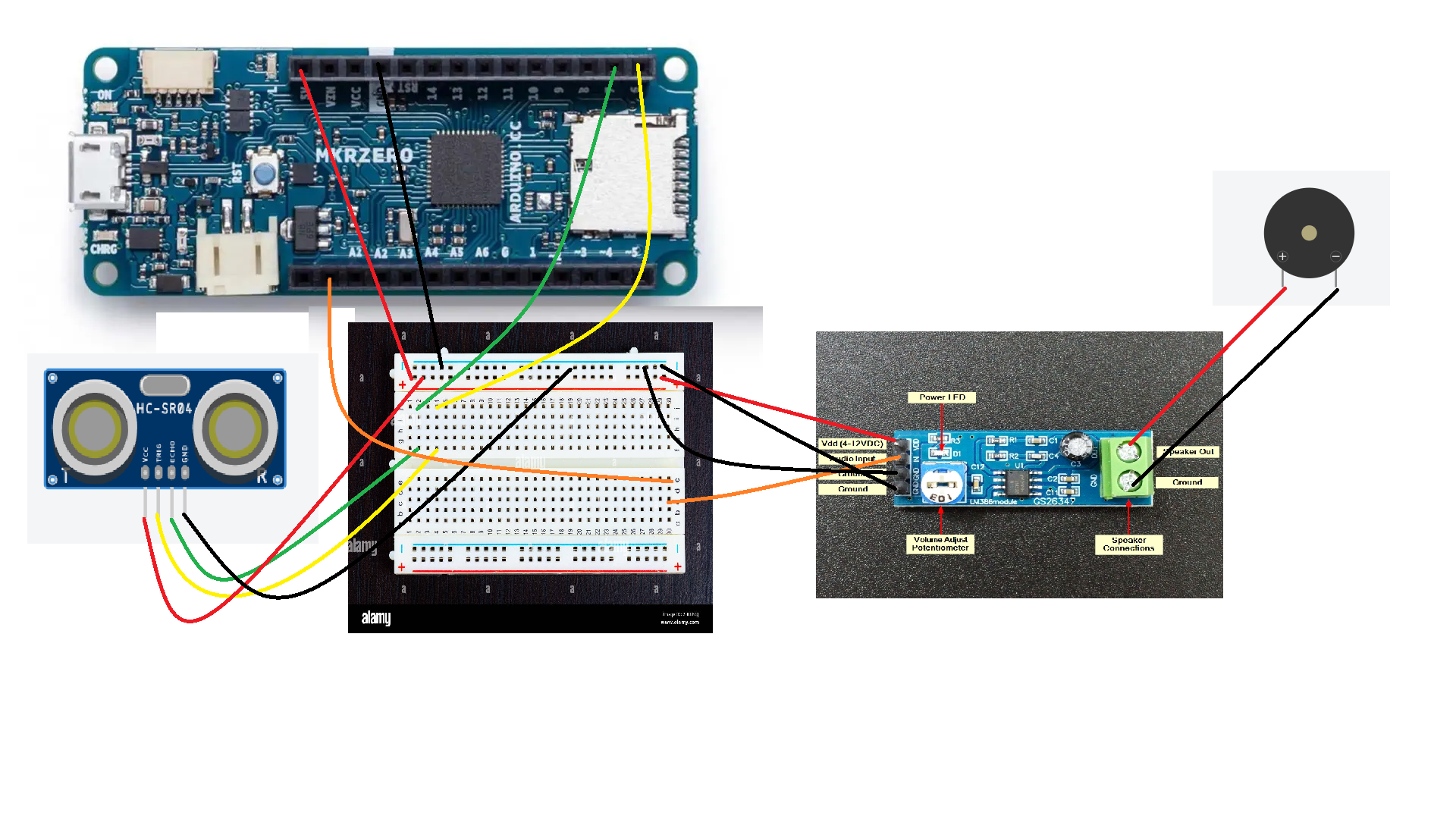
For MKR WIFI 1010: 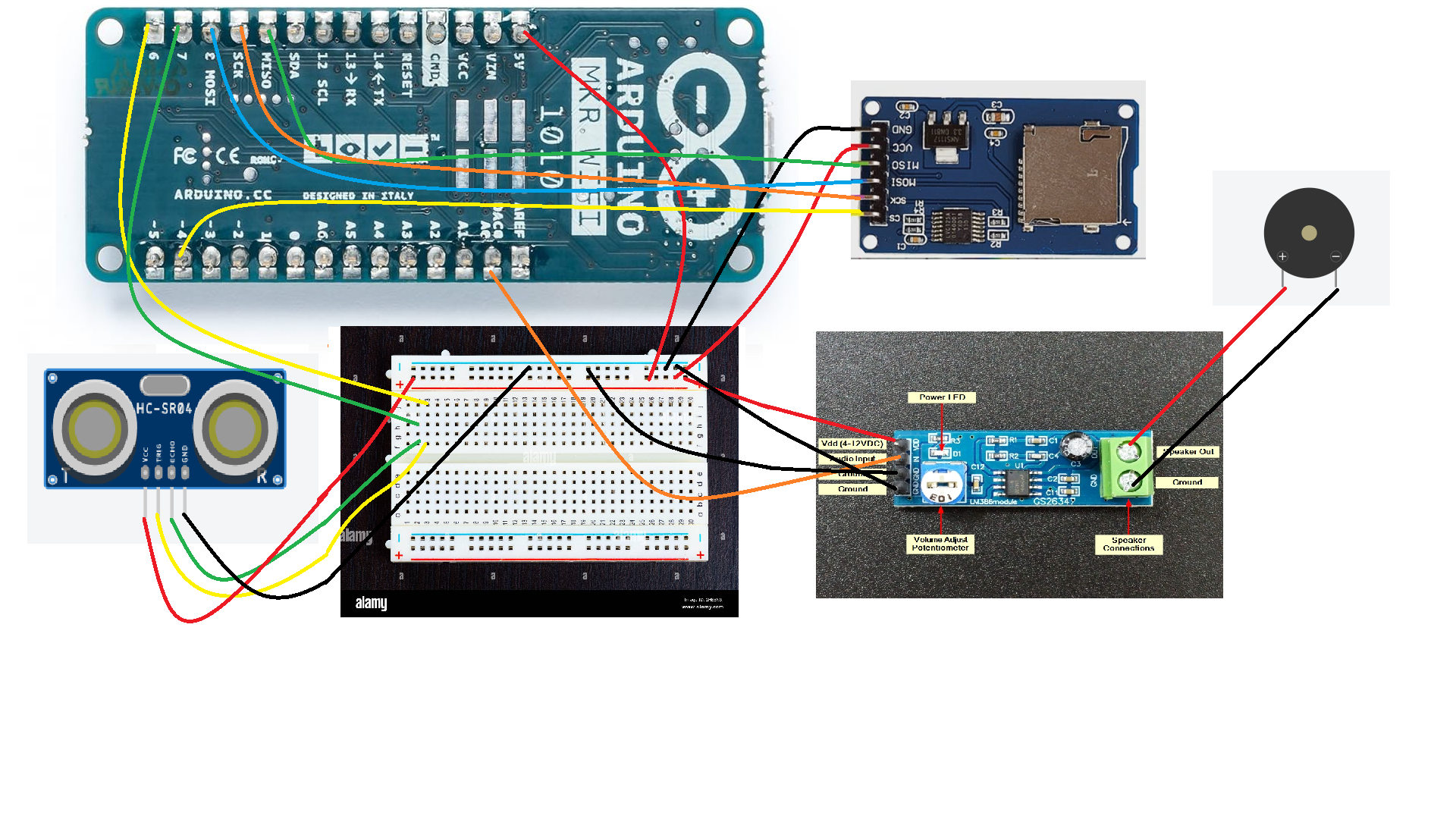
Detailed explanation for the audio player application with Arduino Zero/MKR Zero/1000 WIFI can be referred to the link: https://docs.arduino.cc/tutorials/generic/simple-audio-player/
***Please notice that the breadboard power has to be connected to 5V (from Arduino MKR board), otherwise, the SD card shield won’t work)
-
Launch the arduino IDE. Use the provided USB cable to connect your Arduino board to your computer.
-
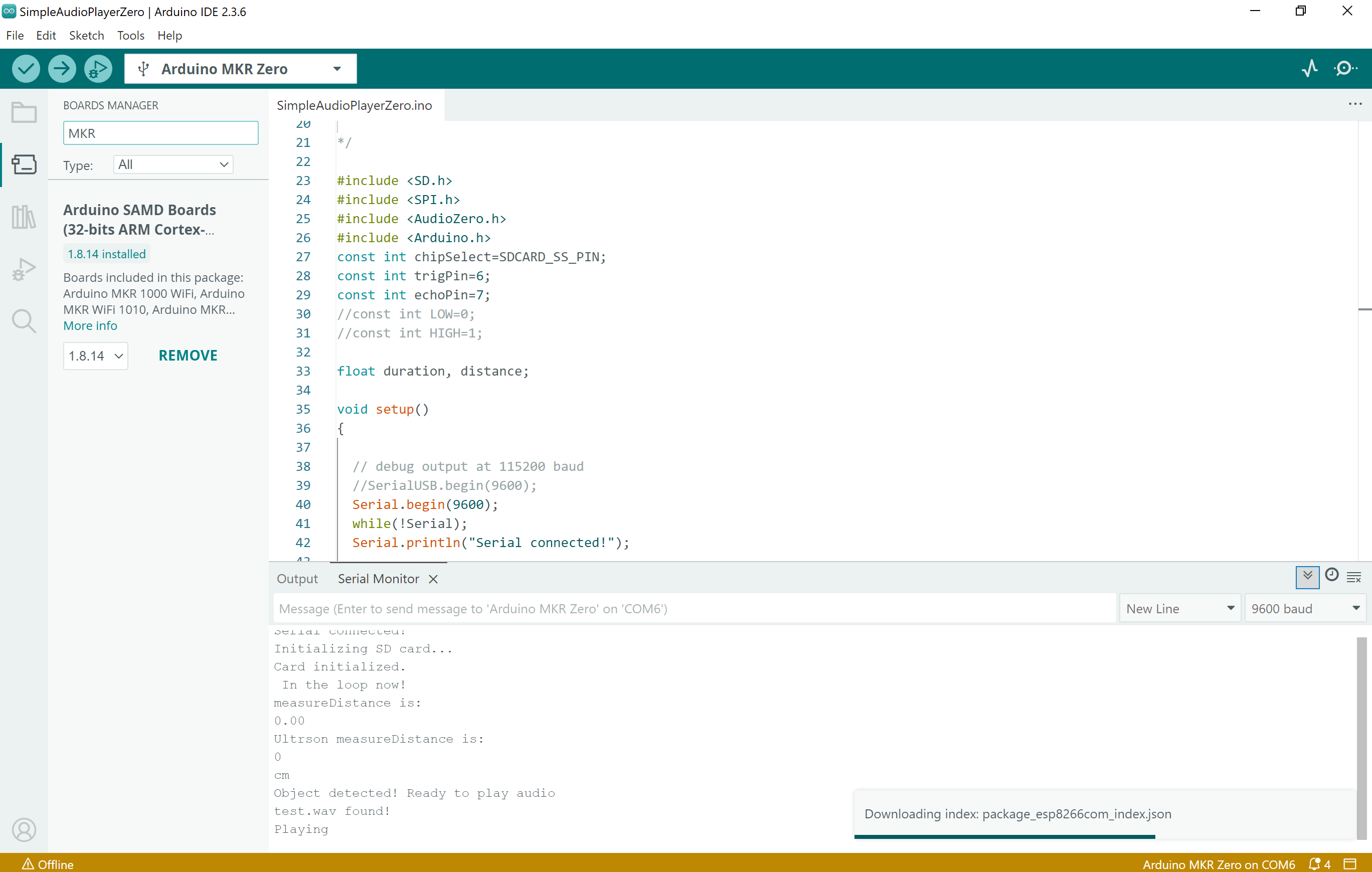
Install the libraries for the MKR board: Go to the menu: Tools-boards manager-search with keyword ‘MKR’ and install
 Go to the menu of the IDE and select Tools- boards manager again to select, connect and communicate with the board Auduino MKR Zero.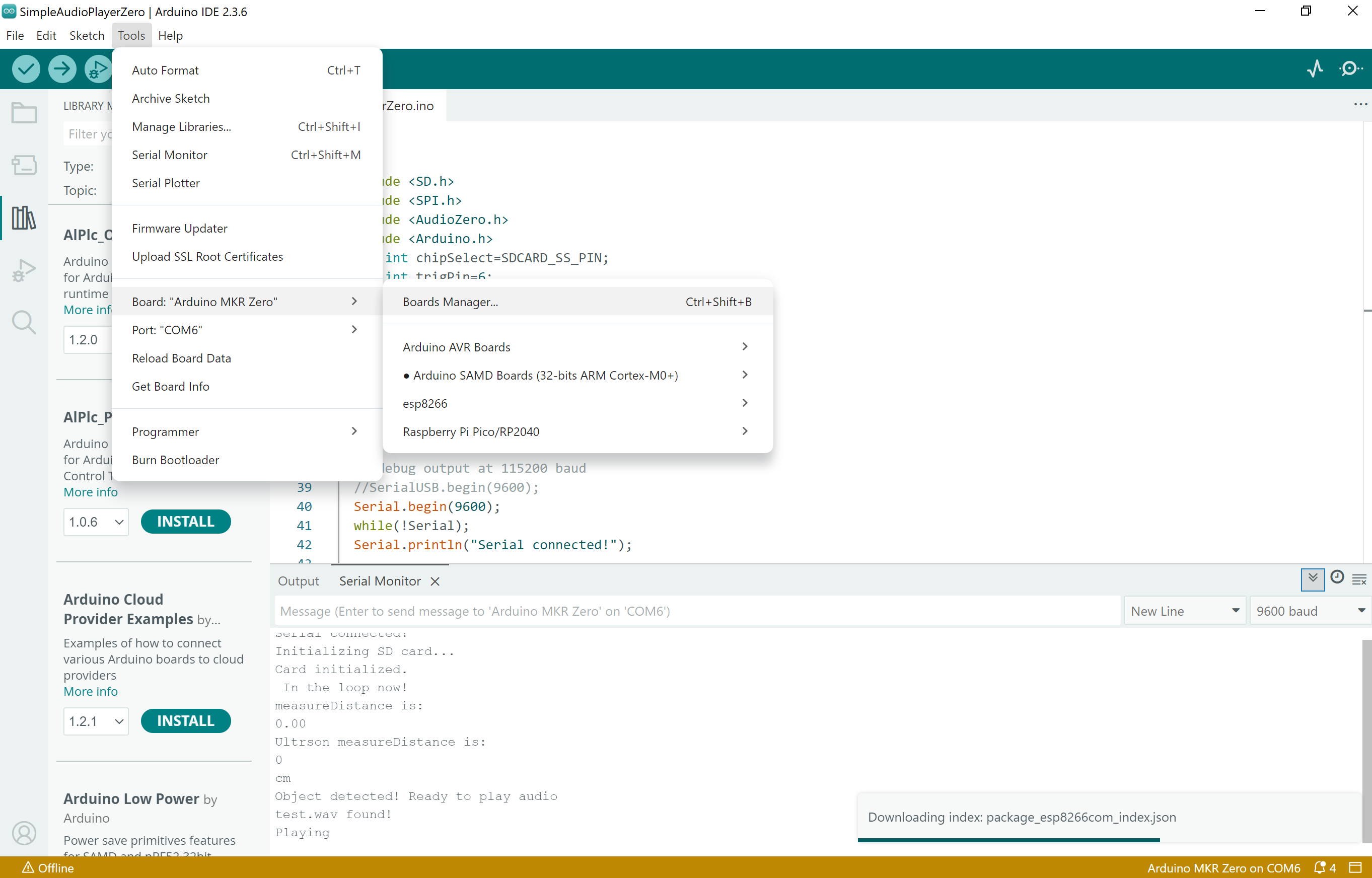
-
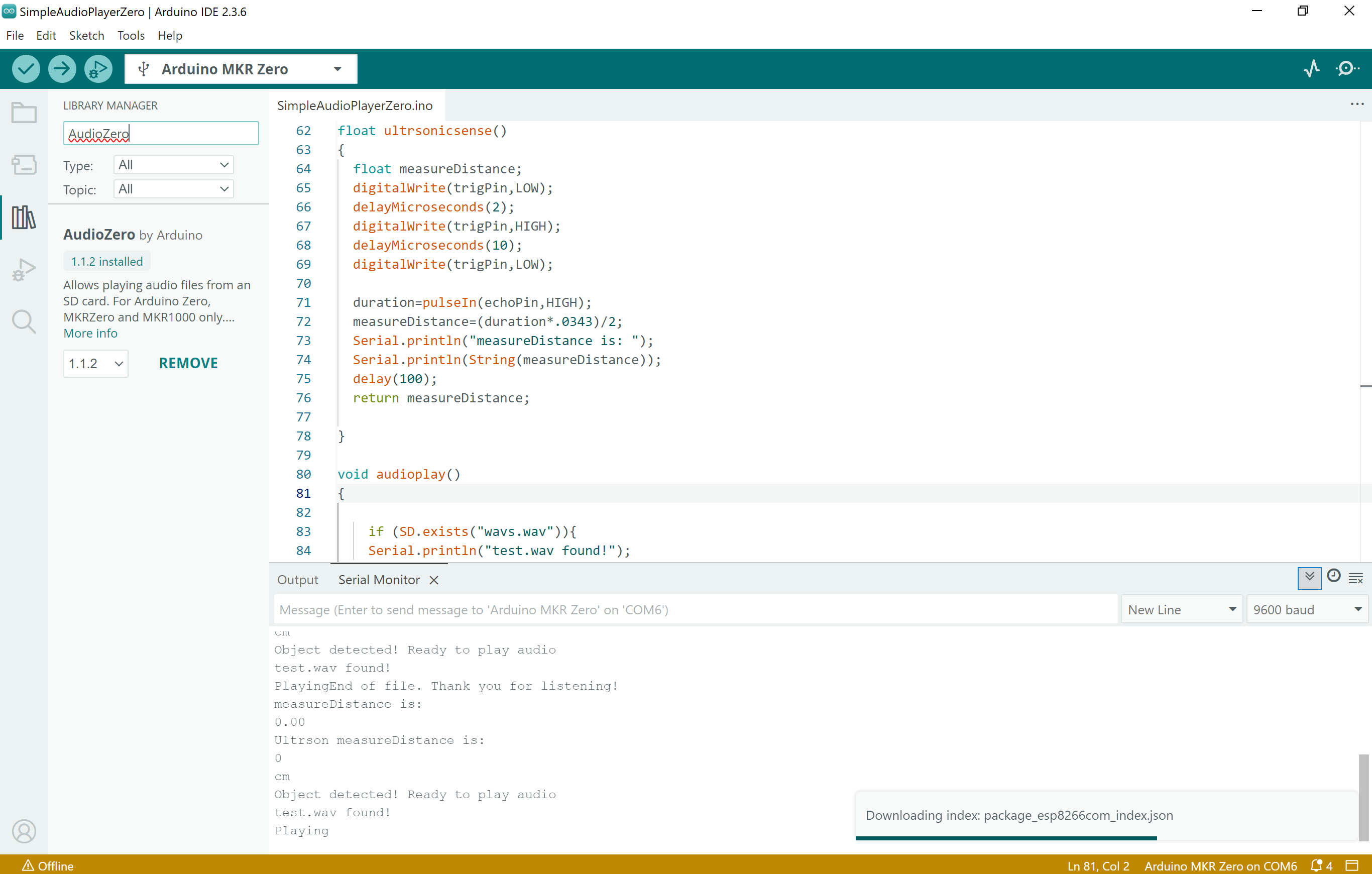
Install the software libraries from the menu: Tools-libraries-search ‘Audiozero’
-
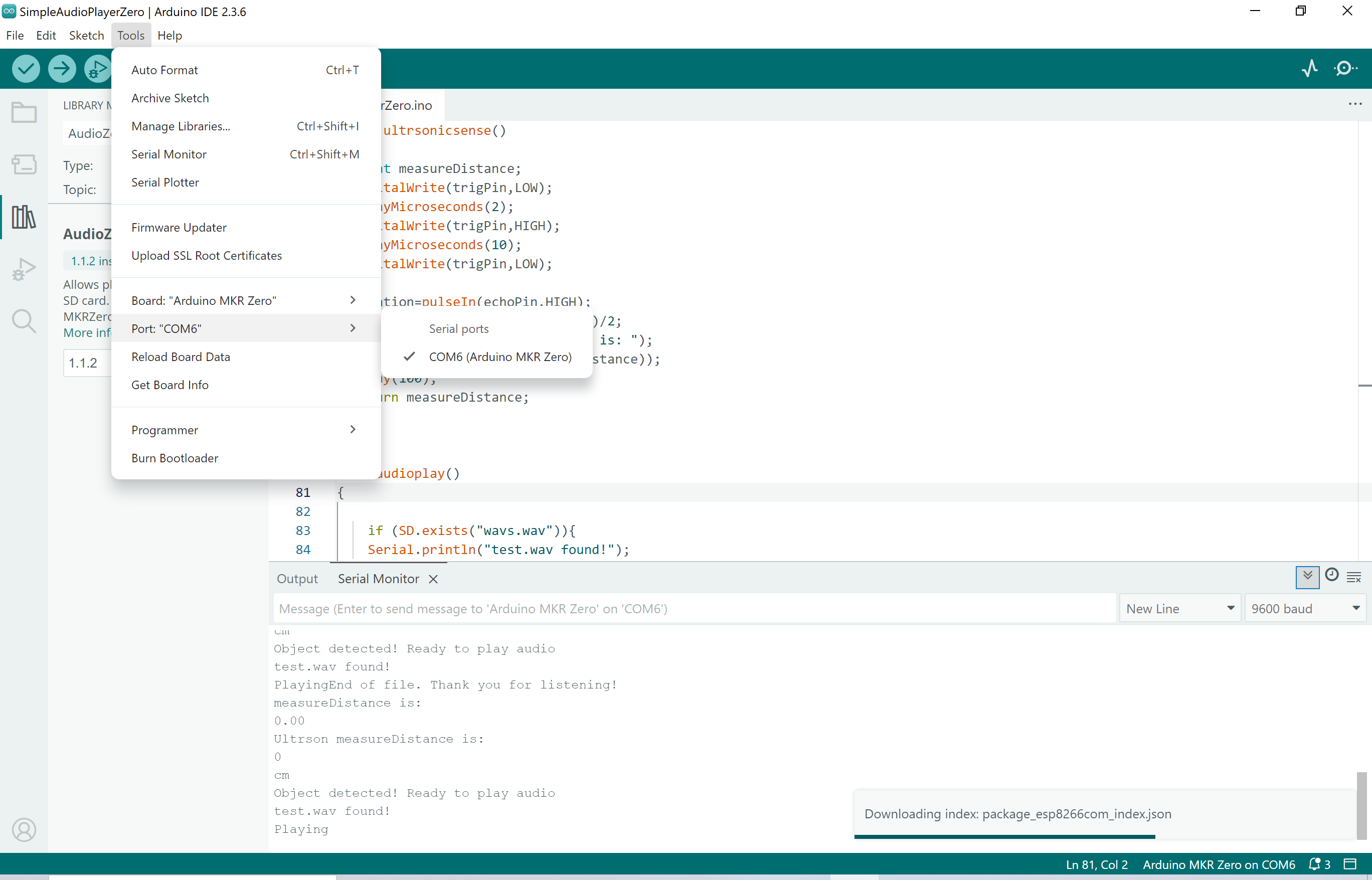
Select the com port for the board from the tools menu. Also open the serial port window from the tools menu.
-
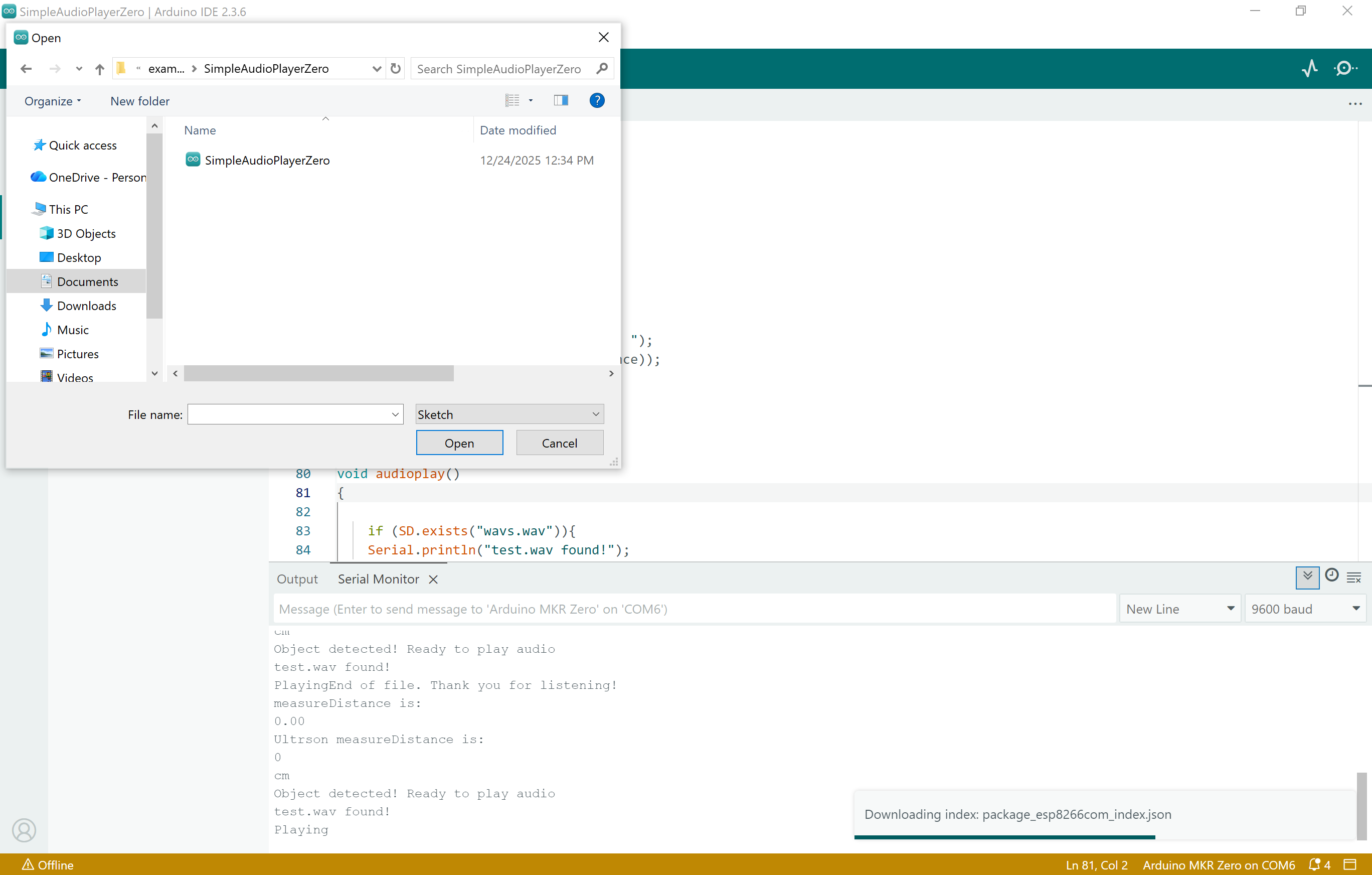
Open the project with below path:Your actual Arduino directory\Arduino\libraries\AudioZero\examples\SimpleAudioPlayerZero\SimpleAudioPlayerZero.ino Delete the codes for the file and replace with this file: https://drive.google.com/file/d/18EUg-kOSHI38W7ln0R3r6CeHl5sV-1iv/view?usp=sharing
Press the arrow button and upload the codes to the board. Wait for a few seconds.
-
From the serial minitor window, you will see the test.wav file has been open and it keeps on printing out the distance information. Put your hands or other object closer to the ultrsonic sensor (less then 20cm), you will hear the music from the speaker! Enjoy the music!
***You might hear noises from the speaker, try to make the power source ‘clean’ or use filter to filter the noises, ask for help if it is needed.