Activity 7: Try a Privacy-Focused Grammar Checker
Many grammar checkers process your writing using cloud-based services. This means your text may be sent to remote servers for analysis.
Harper is an open-source grammar checker that runs locally on your computer. In this activity, you’ll install Harper and try it on a document.
If you have any questions or get stuck, please ask the instructor for assistance.
- Go to the Harper website download page.
- Explore the available options for using Harper.
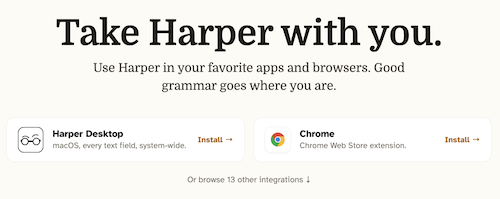
- Install Harper for your browser or computer by following the instructions on the website.
- Open a document containing some text with a few intentional spelling or grammar mistakes.
- Use Harper to check your writing.
- Review the suggestions that Harper provides.
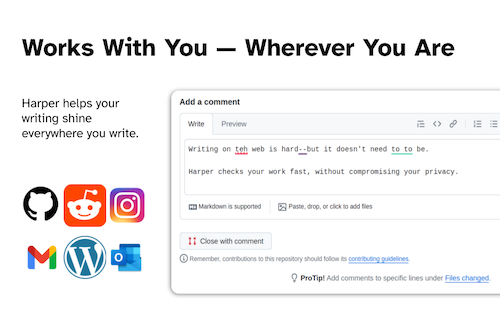
- Try making a few corrections and check the text again.
Reflection
- Did Harper identify the mistakes you expected it to find?
- Did you notice any differences compared with a grammar checker you have used before?
- Why might someone prefer a grammar checker that runs locally on their computer?
- Can you think of situations where the privacy of a document would be especially important?
Harper can be useful for people who work with sensitive documents because it runs locally rather than requiring the document to be sent to a cloud-based grammar-checking service.