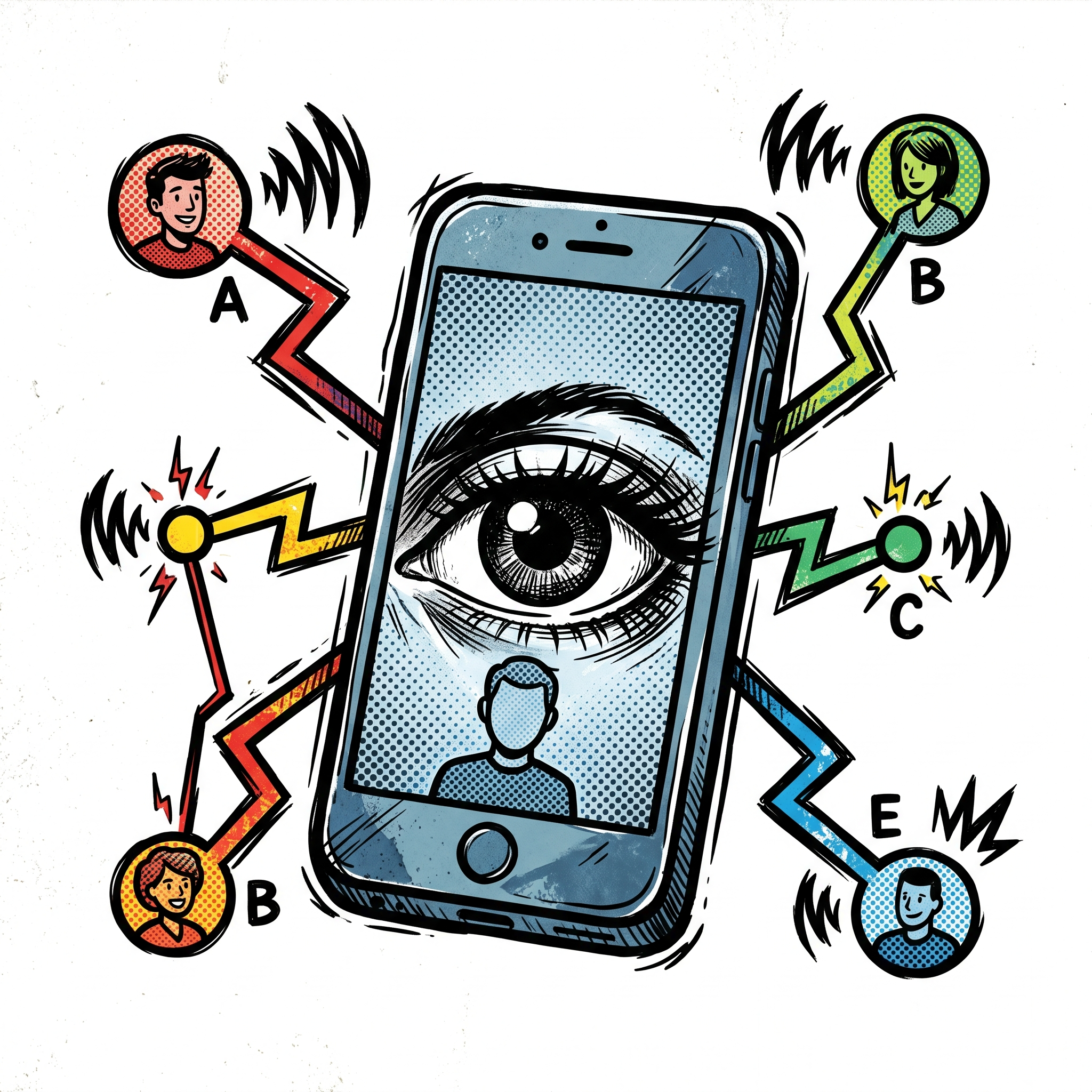
Is Your Smartphone Listening to You? How Big Tech Sells Your Data & How to Stop Them
- Pre-workshop activities: 10 min
- Introductory presentation: 20 min
- Hands-on activities: 30-50 min
Why Should I Care?
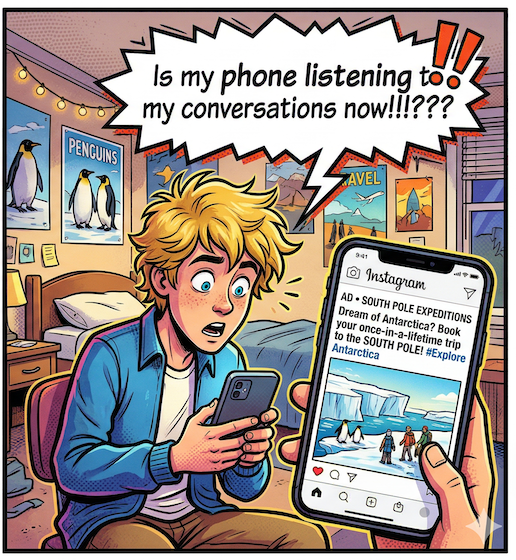
- Is Your Phone Listening: Has something like this happened to you? Your friend mentions that you should take a trip to the south pole, and an hour later, there it is, a “South Pole expidition” advertisments showing up as you browse the web… And you didn’t search for anything about the South Pole. So what’s happening here? We will discuss how this really happens & how you can stop it.
- Hacked Account: Have you ever had someone hack into one of your online accounts? If so you’ve been Pwned. We’ll review how to solve this problem in the workshop.
- Ads Cluttering & Slowing Down Your Browser: Are you tired of browsing the web, and being over run by ads that distract & clutter the web pages? If so we have some suggestions on how to fix these problems.
- Privacy First Spell & Grammar Checking: Do you want to stop Grammarly from sending your personal data to the clould? We will introduce you to a privaicy first free alternative that runs in your laptop browser & does not use cloud based servers.
Learning objectives
At the end of this workshop, you will have:
- Mobile Device Lockdown: Navigated to your to smartphone’s settings menu to locate & disable cross-app tracking (iOS) or permanently delete your Advertising ID (Android).
- Privacy 1st Web Browsers: Installed a privacy-first browser on your computer & related browser extensions. Verified successful installs by opening a known ad-heavy webpage.
- Audited Personal Password Risk Level: Reviewed three of your own critical online accounts (e.g., banking, email, social media) and determine how “hackable” your current password habits for those specific platforms are.
- Use a Privacy-First Grammar Checker: Downloaded the Harper grammar checker & verified that the tool functions perfectly without a cloud connection.
- Find Out if Any of Your Passwords Have Been Hacked: Used the Have I Been Pwned website to, find out if any of your passwords have been leaked by websites start to change the passwords using a password manager.
- Use a Password Manager: Installed password manager (such as Bitwarden or Apple’s Passwords app), & generated at least three unique, random credentials for your existing online accounts.