
Activity 5: Have You Been Pwned?
A data breach happens when information is accessed or stolen from a company’s systems. If you have an account with a company that experiences a data breach, some of your information may have been exposed.
In this activity, you’ll check whether your email address has appeared in any known data breaches. If you have any questions or get stuck, please ask the instructor for assistance.
- Go to the Have I Been Pwned website.
- Enter an email address that you are comfortable checking.
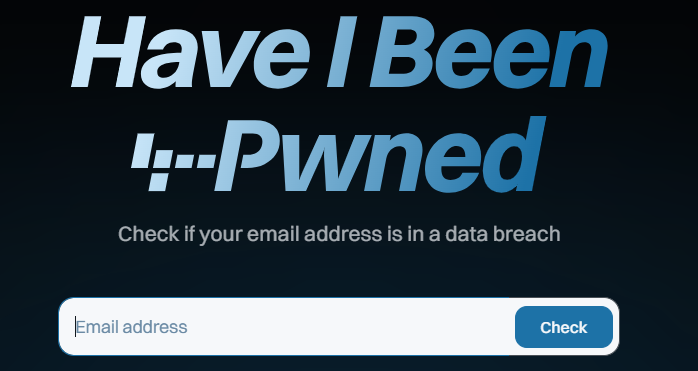
- Click on the blue Check button.
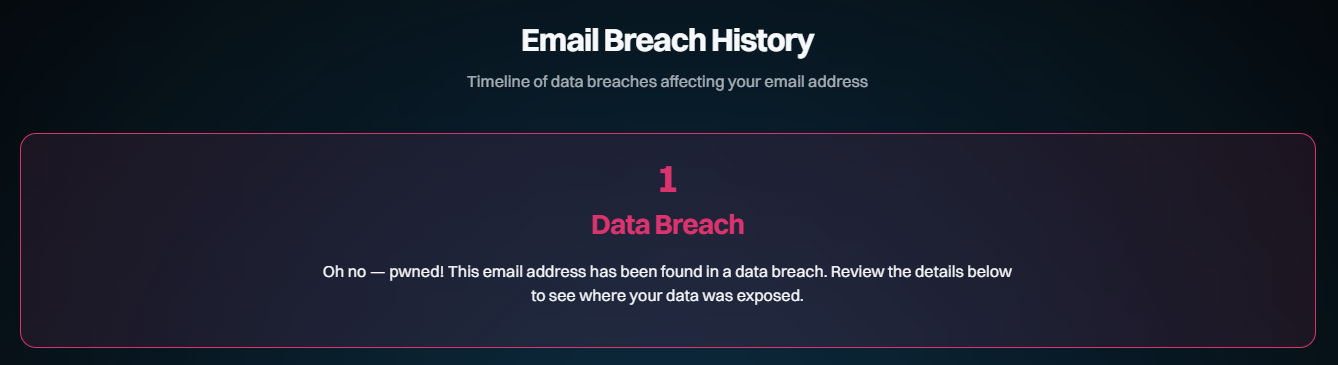
- Review the results.
- If your email address appears in a data breach, look at the breach names and dates listed.
- Do not enter your password into the website. Have I Been Pwned only requires your email address to perform this check.
- If your email address has appeared in a breach, consider changing the password for the affected account, especially if you have reused that password anywhere else.
Reflection
- Did your email address appear in any known data breaches?
- Were you familiar with the companies listed?
- Did any of the breach dates surprise you?
- Do you still use the same password that you used on any of the affected websites?
A data breach does not necessarily mean that your current password has been stolen. However, if you reused a password that was exposed in a breach, an attacker could potentially try that password on your other accounts.