Hands-On Activities Introduction
Please review the following content:
Section Overview
- What is the Unix Shell?
- Exploring files and directories
- Absolute vs. relative paths
- Putting it all together
Before introducing the Unix Shell, it may be valuable to start by introducing the graphical user interface (GUI). This is the most widely used way to interact with a personal computer, and the one that you are most likely familiar with. The GUI allows you to see various icons and applications, and to use a mouse to navigate your way through the computational landscape.
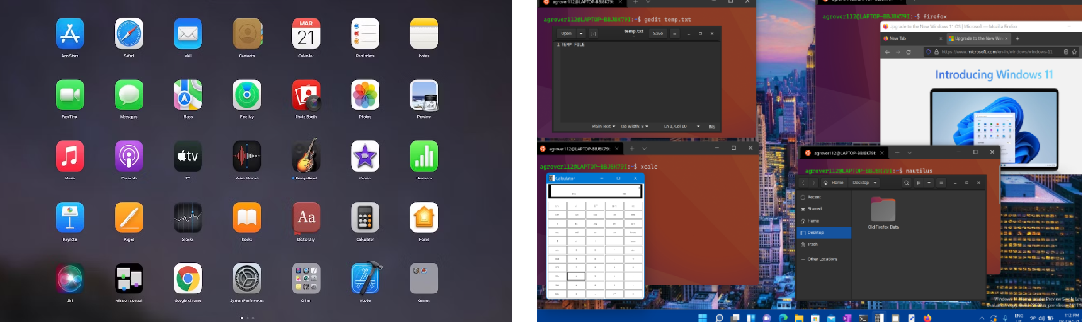
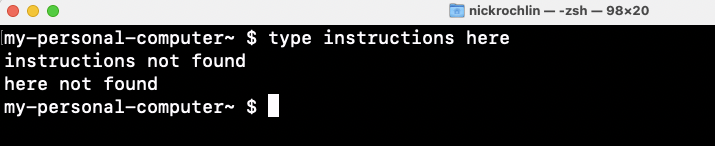
As opposed to this graphical interface that can be navigated with a mouse, the Unix Shell is a way of interacting with your computer by providing it with textual instructions. In this vein, you can think of the shell as a box in which you type instructions for your computer to execute.
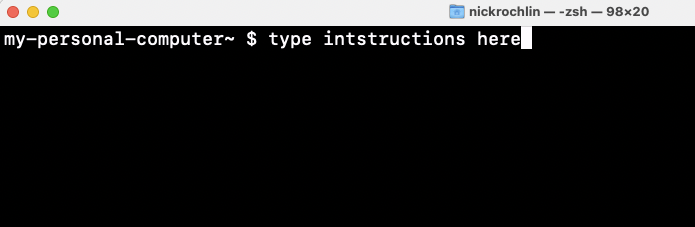
It’s worth noting that there are different “brands” of shell that look different, but that work the same (more or less. The truth is actually more nuanced, but for the purposes of this session, you can think of the different types of shells as working almost the same).
Regardless of the brand/look of shells, each shell begins with information about where you are in the computer. As an example, these are 3 different shells, all in my personal documents folder:
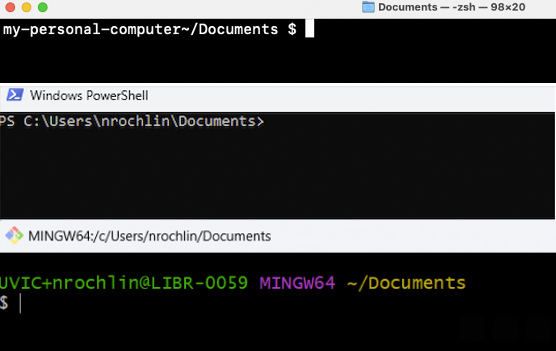
Each shell also has a prompt, which indicates that the shell is waiting for input. The prompts differ across each type of shell, but can include symbols like ‘>’, ‘%’, ‘$’:
Going back to the concept of the shell as a box in which you type instructions for your computer to execute, it needs to be mentioned that it does not accept human language commands, and that it has its own vocabulary and grammar.