Presentations With Beamer
If you and your group have any questions, or get stuck as you work through this in-class exercise, please ask the instructor for assistance. Have fun!
Beamer is a LaTeX class for making presentation slides. Let’s create a new project for this activity in Overleaf.
- Create a new project and choose the first one (Blank paper)
-
Replace the original text with the following to set up your document
\documentclass[pdf]{beamer}
\mode<presentation>{}
\usetheme{Madrid}
% title page
\title{Main title}
\author{Your Name}
\institute[UVic]
{University of Victoria \\
\medskip
\textit{crystal@uvic.ca} % Your email
}
\date{\today}  % it can be customized
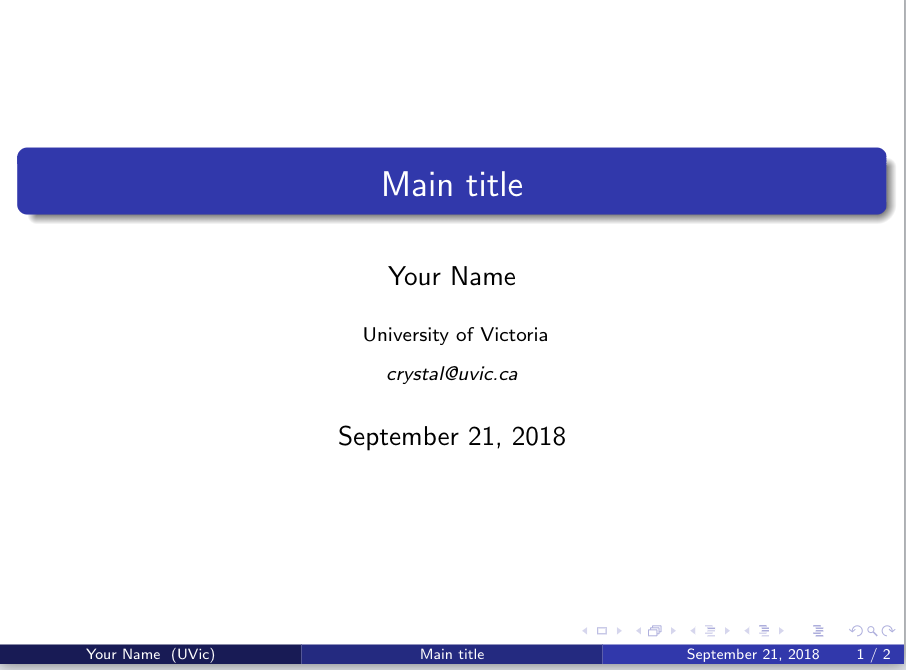
This will not create a title slide just yet. For that, you need to create the document with \begin{document}, and then start a new slide with \begin{frame}. You can then tell LaTex to add a title page with \titlepage.
\begin{document}
\begin{frame}
\titlepage % Print the title page as the first slide
% remember to close the frame and the document
\end{frame}
\end{document}
- Create your overview page and start your work:
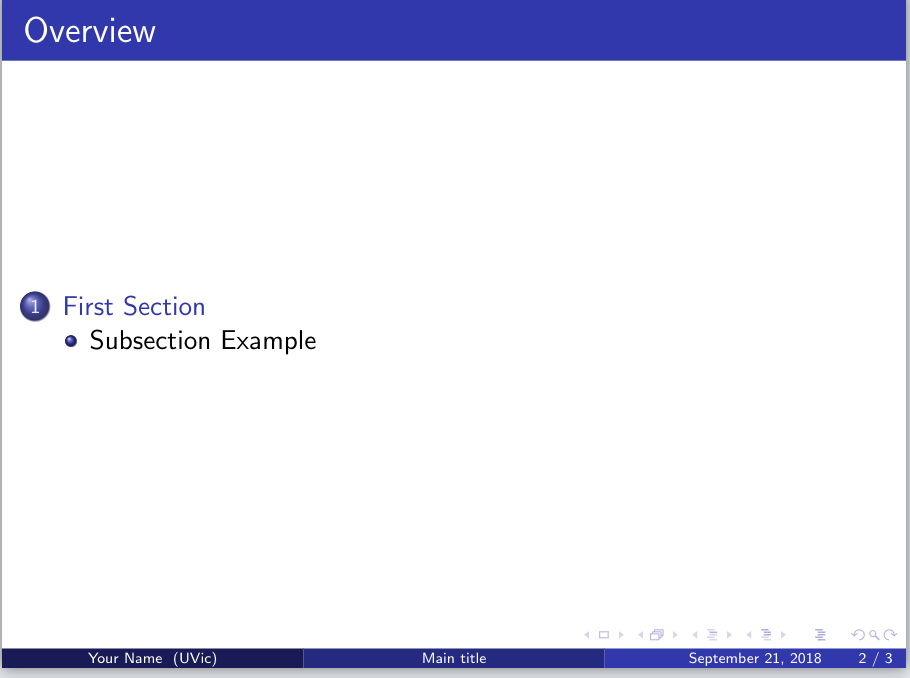
Add a new slide after the title page that will contain the table of contents. Remember to add the piece of code below before the \end{document}
\begin{frame}
\frametitle{Overview}   % Table of contents slide, comment this block out to remove it
\tableofcontents
\end{frame}
% You can create your structure for the Table of Contents by using     section and subsection
\section{First section}
\subsection{Subsection example}
-
Change the theme for slides:
Find the code below\mode<presentation>{}(In the very beginning). There are other themes like\usetheme{CambridgeUS}. We will continue using the Madrid team for this exercise, but you can try out the other themes. See a list here. -
Create the main body of the slides:
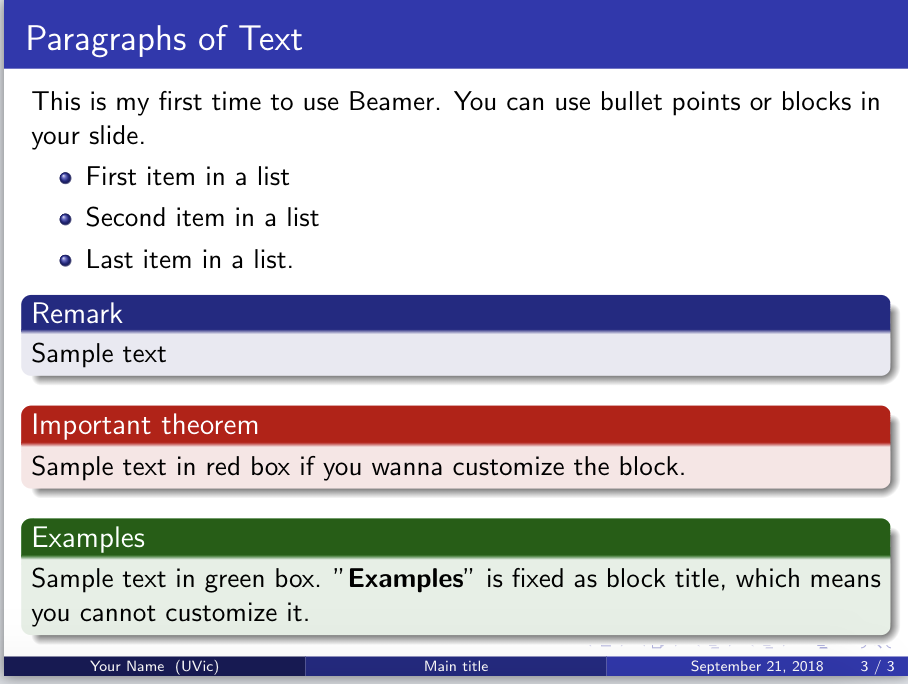
Type the following directly before the\end{document}.\begin{frame} \frametitle{Paragraphs of Text} This is my first time using Beamer. You can use bullet points or blocks in your slide. \begin{itemize} \item First item in a list \item Second item in a list \item Last item in a list. \end{itemize} \begin{block}{Remark} Sample text \end{block} \begin{alertblock}{Important theorem} Sample text in red box if you wanna customize the block. \end{alertblock} \begin{examples} Sample text in green box. "\textbf{Examples}" is fixed as block title, which means you cannot customize it. \end{examples} \end{frame}Now go back to your content pages, it has automatically updated as below.
-
Discover your own preferred template!
https://goo.gl/VUn4Xq -
If you want to know more about how to use beamer, this is a great website.