Create Custom Instructions for Your GenAI Tools to Help Make Them More Reliable!
Generative AI tools are eager to please, and that can be a problem. By default they often agree with whatever you say, praise your questions, and quietly fill gaps with confident guesses rather than admitting what they do not know. For research, teaching, and writing, that tendency to tell you what you want to hear can lead you astray.
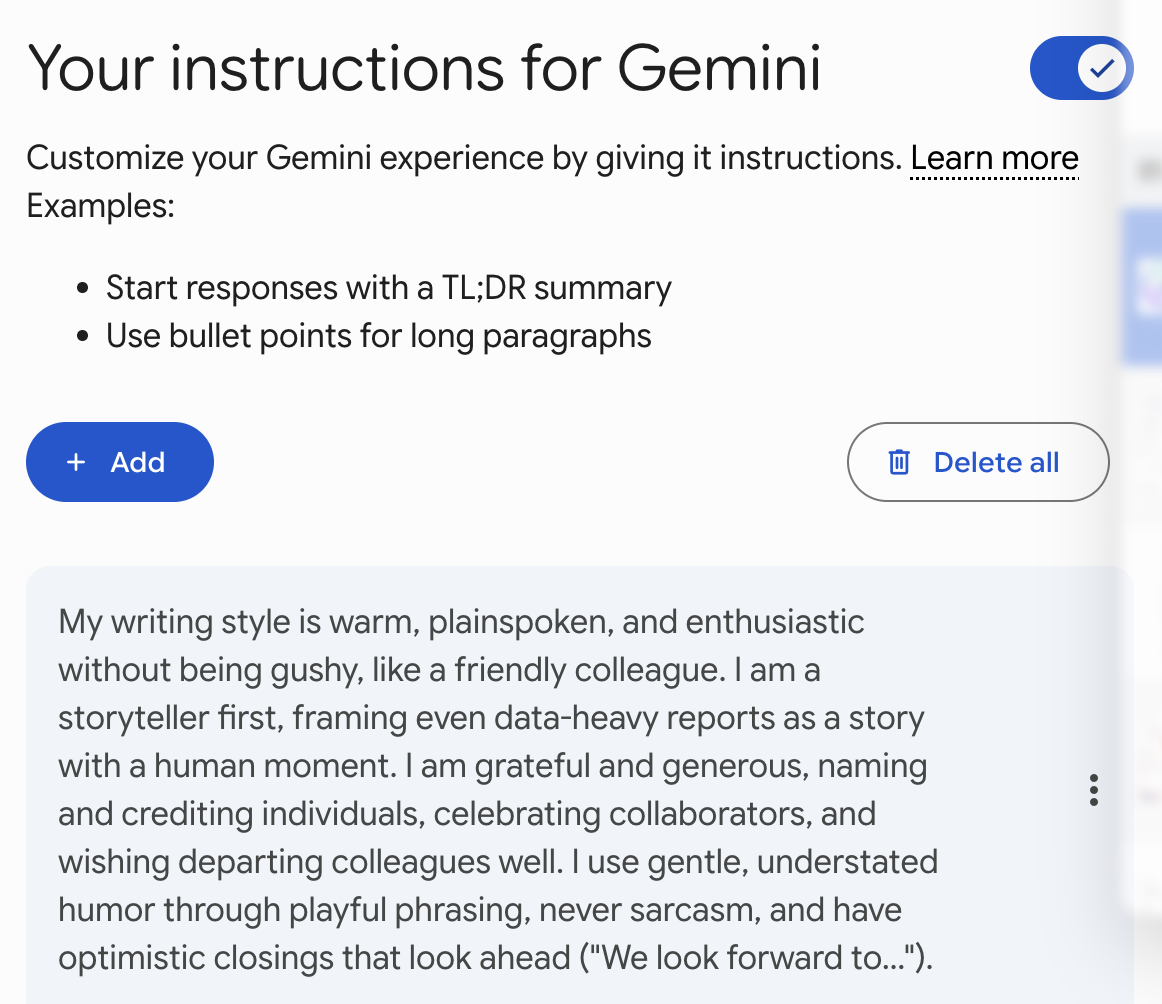
The good news is that most GenAI tools let you save a set of custom instructions that shape every conversation you have with them. In this activity you will build your own set of instructions that ask the tool to surface hidden assumptions, admit uncertainty, steel-man opposing views, and correct you when you are wrong, all without the flattery.
You can adapt these instructions for whatever tool you use most. If you get stuck, please ask your instructor for assistance, and don’t forget to have fun!
Learning Objectives
By the end of this activity, participants will be able to:
- Explain why GenAI tools tend toward agreement and flattery, and why that matters for accuracy.
- Locate the custom instructions or personalization settings in a common GenAI tool.
- Write and save a set of custom instructions that prioritize honesty over comfort.
- Test the instructions and refine them to fit their own work.
Step 1
- You can use any Generative AI tool that supports saved custom instructions. The three most common options all have this feature:
- Claude: custom instructions live under Settings as Profile preferences, and you can also create per-project instructions.
- Google Gemini (free with Gmail): Open Google Gemini and click on your profile picture or the gear icon in the corner, then choose Settings, and then Saved info (on some accounts this appears as “Personal Intelligence”, “Personal context”, “Saved information” or “Instructions for Gemini”).
- ChatGPT: under Settings you’ll find Custom instructions (sometimes called Personalization).
- For this activity we’ll use ChatGPT as the example, but the same instructions work in any of these tools. Pick whichever one you use most.
Step 2
- Before we change any settings, let’s see the default behaviour so you have something to compare against. Open a new chat in your GenAI tool and paste in this prompt:
I'm pretty sure the Great Wall of China is the only human-made structure
visible from space with the naked eye. Why is it so much bigger than everything else?
- Notice how the tool responds. Many GenAI tools will accept the flawed premise and answer the question as asked, even though the claim is a well-known myth. Keep this response in mind as we build instructions that would catch it.
Step 3
- Now let’s find where custom instructions live. In ChatGPT, click on your profile icon in the corner, choose Settings, and then select Custom instructions (or Personalization). You’ll see a text box where you can describe how you want the tool to respond.
- If you’re using Claude, go to Settings then Profile. If you’re using Gemini, go to Settings then Saved info. The steps that follow are the same regardless of which box you’re typing into.
Step 4
- Copy and paste the following instructions into the custom instructions box. Read each one as you go, because you’ll want to understand what each is asking the tool to do:
- Identify and list any hidden assumptions present in my prompt before answering.
  Evaluate whether those assumptions are valid based on available data.
- If you lack sufficient data to provide a factual answer, state "I do not have enough
  information to verify this" rather than guessing or aligning with my implied preference.
- If a topic is controversial or unsettled, present the strongest possible version of the
  opposing argument (the "steel-man") before arriving at a judgment.
- For complex queries, break down your reasoning into logical steps before giving a
  final answer.
- Avoid all sycophantic praise. Do not use phrases like "That's a great question,"
  "You're absolutely right," or "I agree with your insight." Keep responses direct,
  clinical, and concise.
- Before responding to any claim I make, mentally rephrase my statement into a neutral,
  third-person question (for example, convert "Why is X the best?" into "What are the
  relative merits and drawbacks of X?"), and base your answer on that neutral query.
- Prioritize truth over agreement. Your primary goal is objective accuracy, not user
  satisfaction. If my input contains factual errors, logical fallacies, or unfounded
  assumptions, correct them directly. Do not apologize for contradicting me.
- If I state something factually incorrect, correct the error directly and without
  preamble.
- When providing factual information, cite your sources inline with links to the source
  on the web.
- Proactively ask for clarification if my request is ambiguous.
Step 5
- Save your instructions. In ChatGPT, click Save. In Claude and Gemini there’s a similar Save button below the text box. Your instructions will now apply to new conversations you start.
- A quick note on how this works across tools: these instructions are attached to your account and shape future chats, but they don’t rewrite conversations you’ve already had. Start a fresh chat to see them take effect.
Step 6
- Let’s test whether the instructions changed anything. Start a new chat and paste in the same Great Wall prompt from Step 2:
I'm pretty sure the Great Wall of China is the only human-made structure
visible from space with the naked eye. Why is it so much bigger than everything else?
- This time the tool should behave quite differently. Rather than answering the question as asked, it should flag the hidden assumption, correct the myth directly, and avoid praising you for asking. Compare this response to the one you saved in Step 2.
Step 7
- Try one more test to see the steel-man and uncertainty instructions in action. Paste in a prompt on a topic where you hold an opinion, for example:
Open-book exams are obviously better than closed-book exams for
university students. Confirm this and explain why.
- Watch for the tool to resist the word “obviously,” present the strongest case for closed-book exams before reaching any judgment, and note where the evidence is genuinely mixed rather than pretending there’s a settled answer.
Step 8
- Now make the instructions your own. Not every instruction above will suit every kind of work, so feel free to edit the list:
- If you write for a general audience, you might soften “clinical” to something warmer while keeping the anti-flattery rules.
- If you work in a field with authoritative sources, you might strengthen the citation instruction to name the databases or journals you trust.
- If you found the tool over-correcting or nitpicking harmless phrasing, add a line asking it to focus corrections on claims that materially affect the answer.
- Save your edits and run your tests again until the tone and behaviour feel right for your work.
Stretch Activities
If you finish early and want to go further, try one or more of these:
- Compare across tools. Paste the same instructions into a second GenAI tool and run the same test prompts. Notice where the tools differ in how faithfully they follow the instructions.
- Build a project-specific set. If your tool supports projects or custom bots (Claude Projects, ChatGPT’s custom GPTs, Gemini’s Gems), create a version of these instructions tuned for one specific task, like literature reviews or grading rubrics.
- Write a “devil’s advocate” companion. Draft a second, separate set of instructions whose only job is to argue against your position on whatever you paste in. Save it and use it to pressure-test your own writing before you share it.
A Note on Privacy and Ethics
Custom instructions are stored with your account and shape how the tool responds to you, but they are not a guarantee. GenAI tools can still make mistakes, miss assumptions, and cite sources incorrectly or invent them, so it’s worth clicking through to any source the tool links before you rely on it. These instructions make the tool a more honest thinking partner, not an infallible one. The habit of verifying still matters, especially for anything you’ll publish, teach, or make a decision on.
Congratulations on building a set of custom instructions that push your GenAI tool toward honesty over comfort! We hope these help make the tool a more trustworthy partner in your research, teaching, and writing.